Zoom screen sharing allows you to share the desktop, window, application or audio/video. Zoom allows you to also send computer audio to the remote attendees when sharing a video or audio clip.
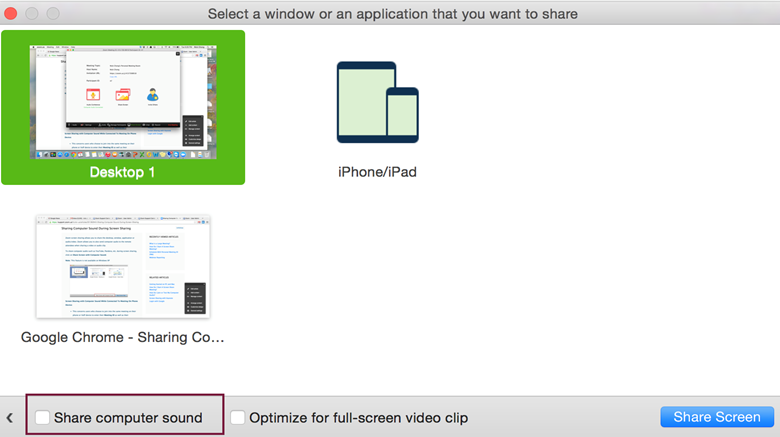
To share computer audio such as YouTube, Pandora, etc. during screen sharing, click on Share Computer Sound.
- Open your Zoom meeting
- Ensure that you are logged in as the Host
- Click on the green “Share Screen” icon
- You will see a pop-up window where you select your desktop or application
- Click the check box in the lower left that says “Share computer sound”
- Now when you are in screenshare mode, it will play all computer sounds to the audience
 Concordia College - NY