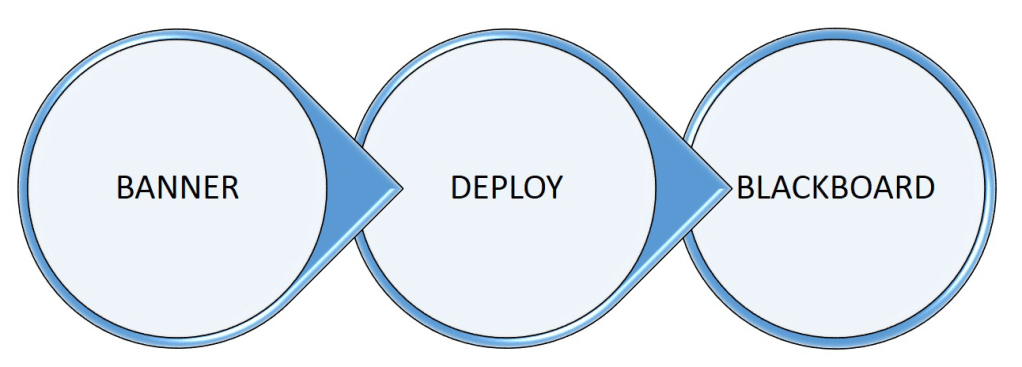
THREE STEPS NECESSARY TO USE BLACKBOARD
1. ENSURE THAT YOU ARE ASSIGNED AS INSTRUCTOR OF YOUR
COURSE AS INDICATED IN BANNER.
If you are unsure, click here to check BANNER or ask your academic
department chair before you continue to step 2.
2. ACTIVATE/DEPLOY YOUR COURSE TO BLACKBOARD.
The activate/deploy process copies instructor/course/enrollment data from BANNER to create a course shell in Blackboard. Click here for specific instructions and links.
3. ACCESS YOUR COURSE IN BLACKBOARD.
Add content and customize your course in Blackboard. Click here for specific instructions and links.
For other related FAQS, click here.
 Concordia College - NY